


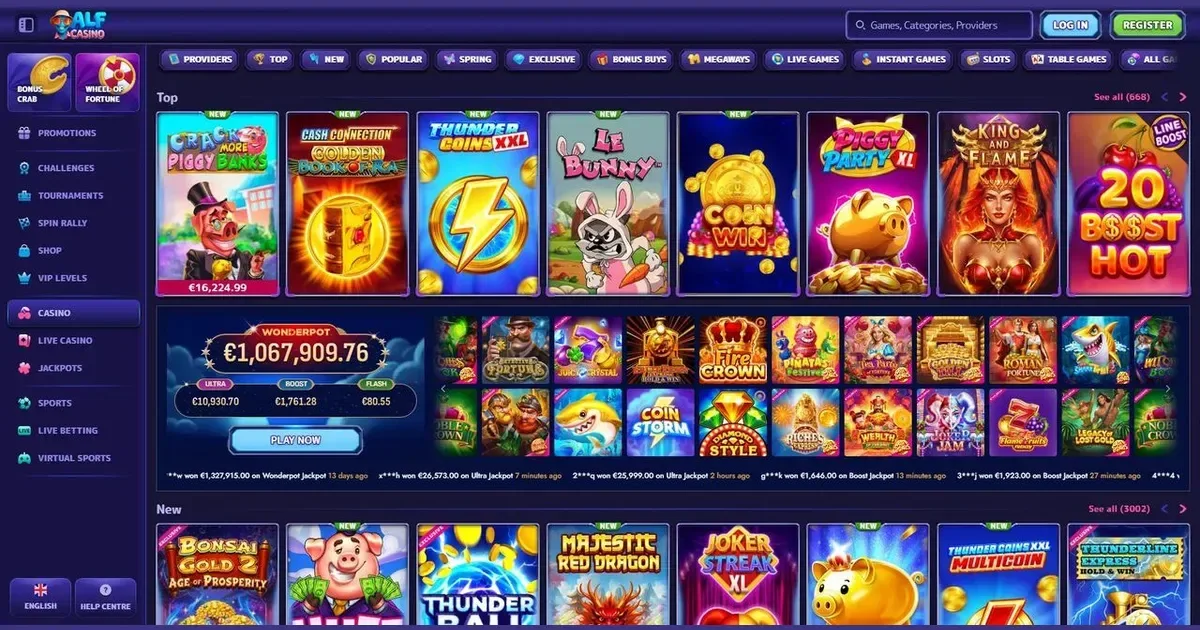
This policy explains what cookies are, which ones Alf sets when you visit our site, and how you can manage them. We keep this page updated whenever our cookie use changes.
What cookies do on this site
A cookie is a small text file stored by your browser when you visit a page. It lets the site recognise you on return visits without asking for the same information again. Cookies here handle preferences, analytics and embedded content from third parties.
We distinguish between cookies we set directly and those placed by scripts we do not control. Our own cookies remember your consent choices and keep the site functional. Third-party cookies support embedded videos, maps and analytics tools — we list the main ones below.
The cookies we set
Our site uses three categories of cookie, and you control two of them through the banner that appears on your first visit.
| Category | Purpose | Consent required |
|---|---|---|
| Necessary | Load the page, remember your consent choice | No — the site cannot work without these |
| Analytics | Count visits, track which pages are read | Yes |
| Marketing | Measure ad performance, personalise offers | Yes |
Necessary cookies stay active whether you consent or not — they handle session management and store the fact that you answered the banner. Analytics cookies run only if you agree, and they tell us which sections get traffic and where readers drop off. Marketing cookies let us measure whether an ad brought you here and tailor the promotions you see.
Session cookies expire when you close the browser. Persistent cookies stay on your device for up to two years, depending on the provider.
Third-party scripts and cookies
Some content on our pages is hosted elsewhere. When you watch an embedded video or interact with a map, that provider may set its own cookies. We do not control those cookies and cannot turn them off individually — they follow the provider's own policy.
The main third parties whose scripts run here are analytics platforms (tracking page performance), video hosts (serving embedded clips), and ad networks (measuring campaign reach). Each has its own privacy policy linked from its content.
Managing cookies in your browser
You can block or delete cookies through your browser settings. The steps differ slightly by browser:
- Chrome: Settings → Privacy and security → Cookies and other site data
- Firefox: Settings → Privacy & Security → Cookies and Site Data
- Safari: Preferences → Privacy → Manage Website Data
- Edge: Settings → Cookies and site permissions → Manage and delete cookies
Blocking all cookies stops the consent banner from saving your choice, so it reappears on every visit. Blocking only third-party cookies leaves the site functional but prevents analytics and embedded content from loading.
What happens if you decline
The consent banner offers two options: accept all cookies or accept only necessary ones. If you decline analytics and marketing cookies, the site still works — pages load, links follow, and content displays. What stops working is anything hosted by a third party: embedded videos may show a placeholder instead of playing, and we lose the ability to measure which pages are useful.
You can change your choice at any time by clearing the site's cookies and reloading the page, which brings the banner back.
Changes to this policy
We update this page whenever our cookie use changes — when we add a new analytics tool, embed content from a different provider, or retire a script. The date at the bottom of this page shows when it was last revised.
Contact
Questions about our cookie use can be sent to [email protected]. We reply within 48 hours on working days.
Last updated: 25 March 2026
This site is for players aged 18 and over (18+). If you need support with gambling, free and confidential help is available at BeGambleAware.org.